The solar system.
In your room.
Point your phone at any planet marker below and watch it appear in 3D augmented reality — right where you're standing. No app download required.
Best experienced on a mobile device · Works in Chrome, Safari, Firefox
Four steps to augmented reality
Open on your phone
Visit this page or go directly to the AR experience on your mobile device. It works on any modern Android or iOS browser — no app needed.
Allow camera access
When prompted, allow the browser to access your camera. This is required for AR to work and is only used locally on your device.
Point at a marker
Display a planet card on a screen or print it out. Hold your phone camera steady over the marker — keep it well-lit and flat.
Watch it appear
The planet will appear in 3D on top of the marker in real time. Move your phone around to see it from different angles.
Choose your planet
Display any card on your screen and point your phone camera at it. Or print them out for a physical installation.

Mercury
Closest planet to the Sun. Surface covered in craters.
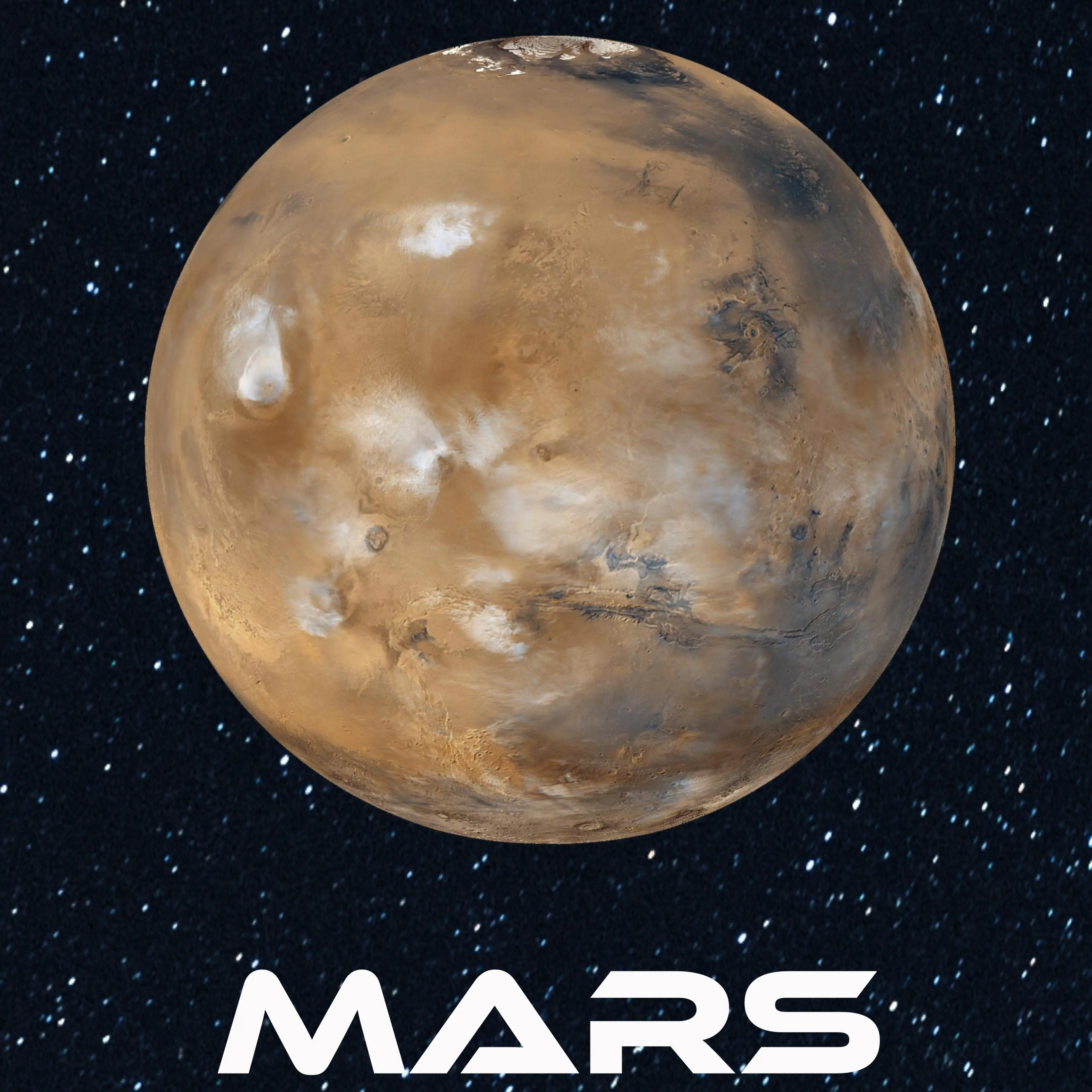
Mars
The Red Planet. Home to Olympus Mons, the largest volcano in the solar system.
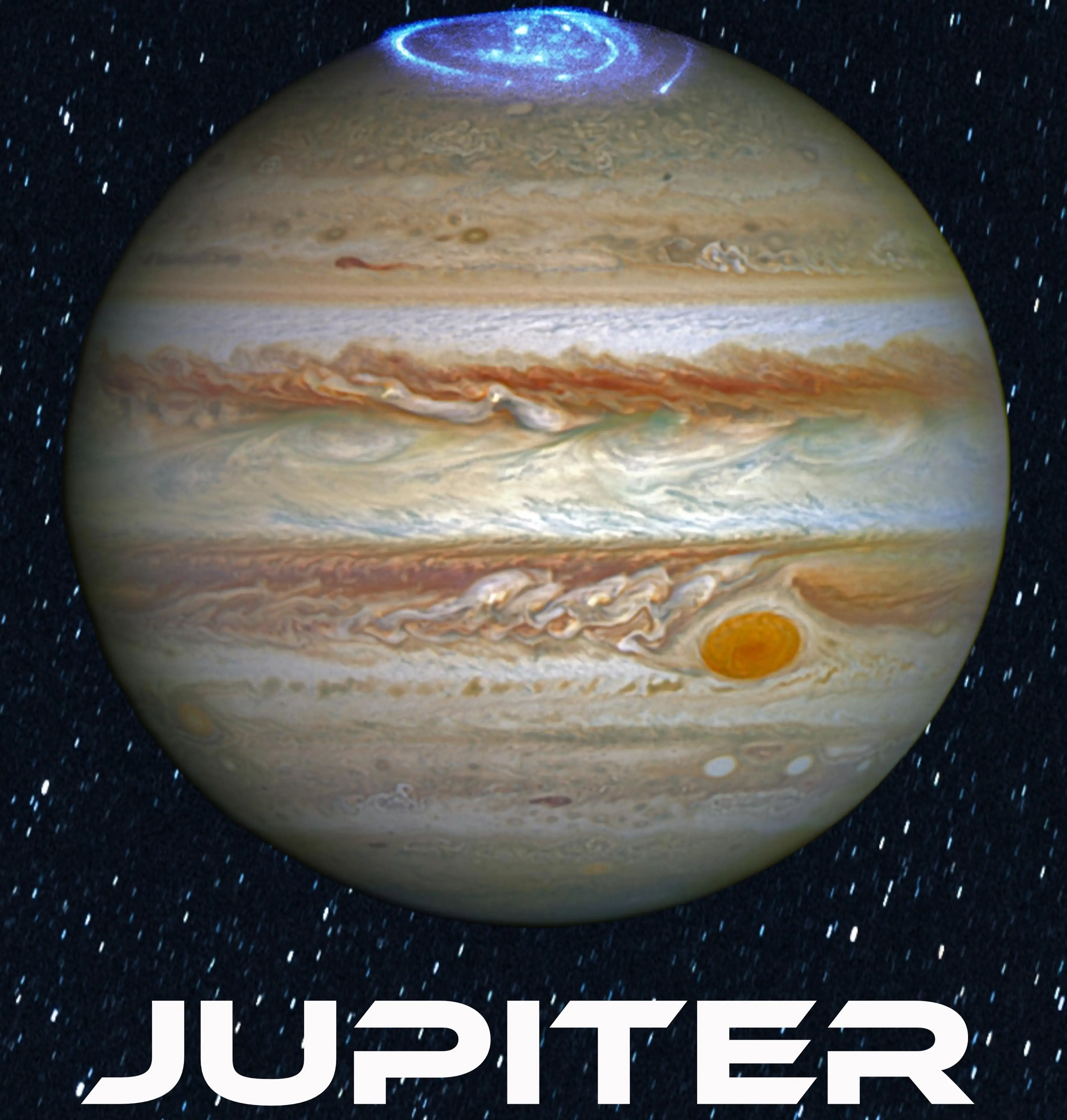
Jupiter
Largest planet in our solar system. The Great Red Spot is a storm older than 350 years.

Uranus
Rotates on its side. Its rings are nearly vertical.
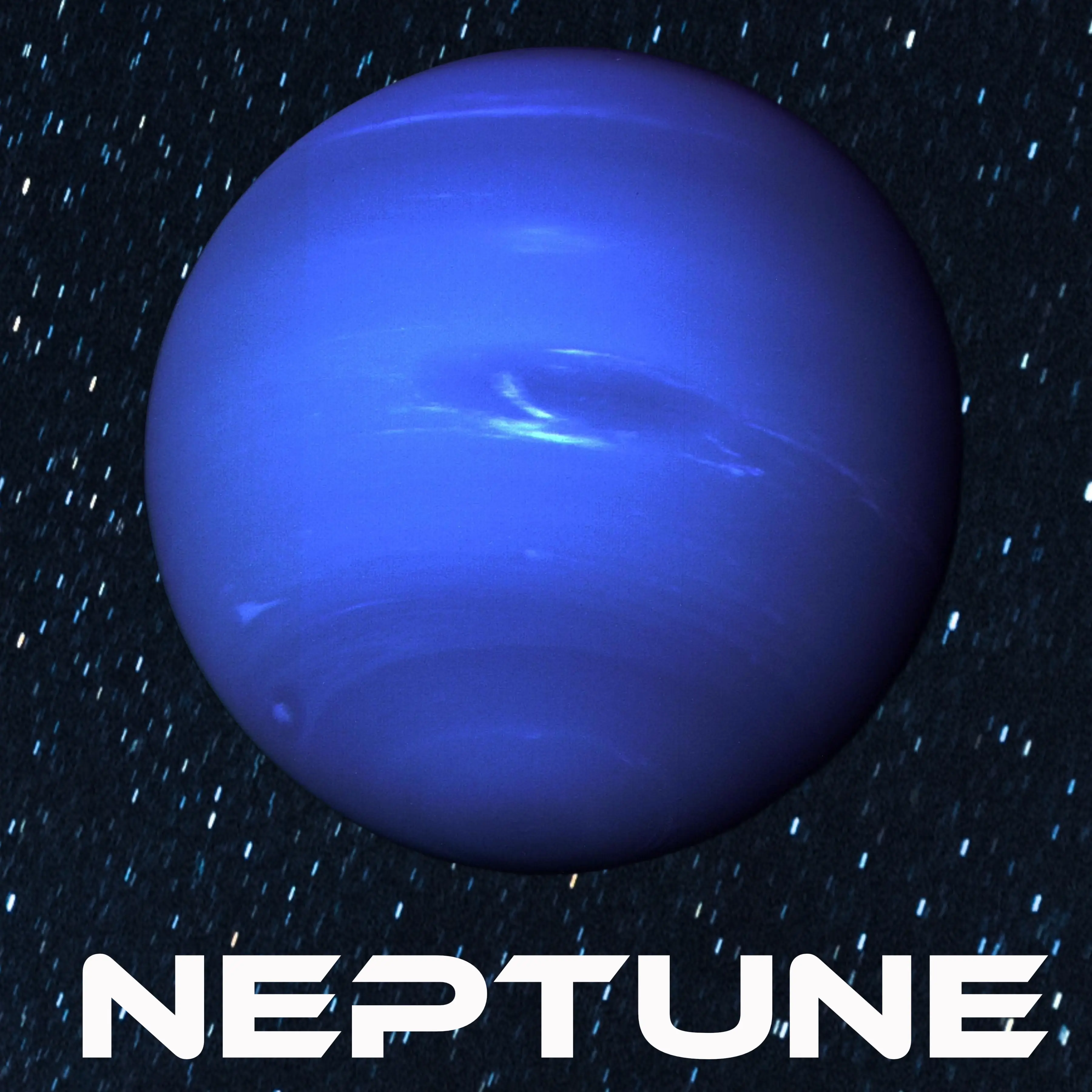
Neptune
Farthest planet from the Sun. Winds reach speeds of 2,100 km/h.
Tips for the best experience
- • Keep the marker flat and well-lit — avoid glare and shadows
- • Hold your phone steady for 1–2 seconds while it locks onto the marker
- • Works best on a white background — printed cards perform better than screen display
- • Keep the marker fully visible — don't cover the edges
WebAR — augmented reality without the app store.
Traditional AR requires downloading a dedicated app. WebAR runs entirely in the mobile browser — users just open a link and they're in the experience.
This makes it ideal for events, brand activations, and educational installations where friction needs to be zero. No installation. No accounts. Just scan and experience.
Build an AR experience with usNo app required
Runs in any modern mobile browser — Chrome, Safari, Firefox.
Marker-based tracking
Anchors 3D content to physical or displayed image markers.
Fully customisable
We build custom AR experiences for your brand, event, or product.
Works at scale
Deploy to thousands of users with just a link or QR code.
Want AR at your next event?
We build custom WebAR experiences for brand activations, events, and educational installations.